XR Headset
From AR to VR in one gesture

FaceTime VR (Unity)
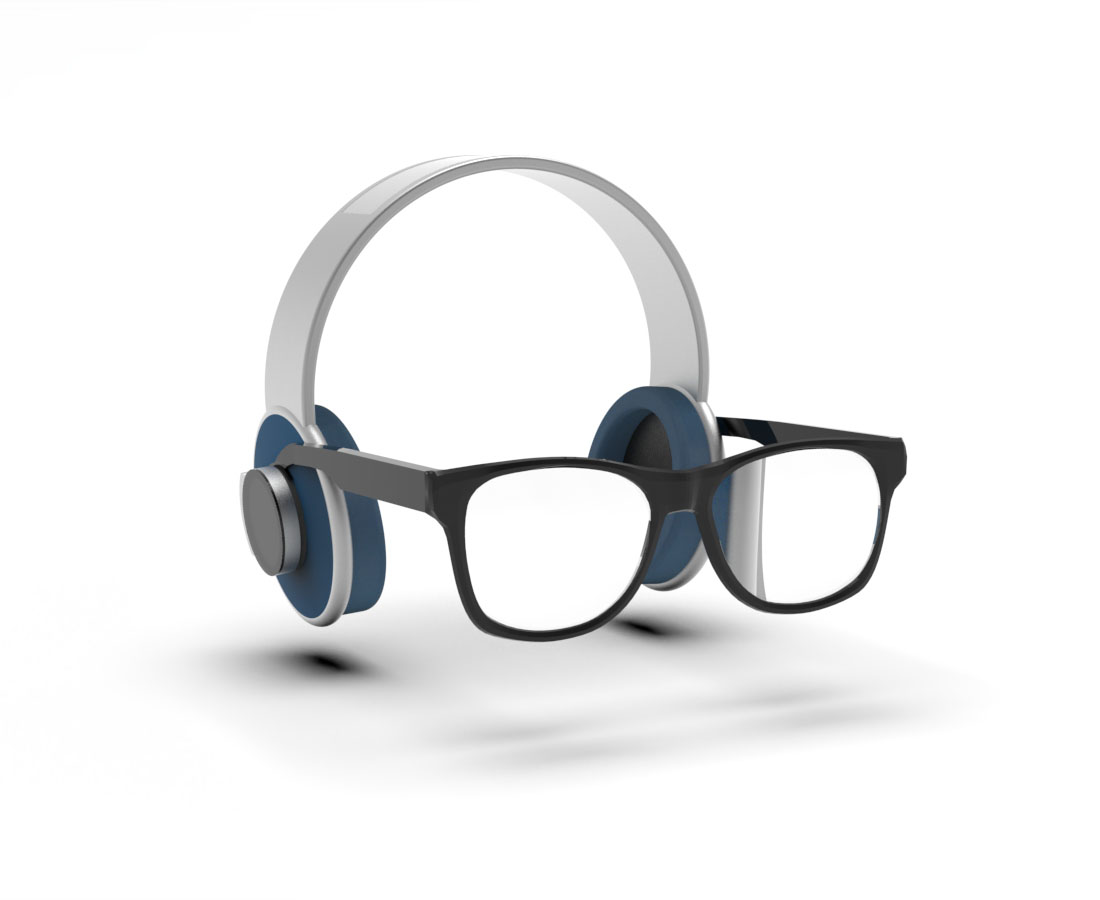
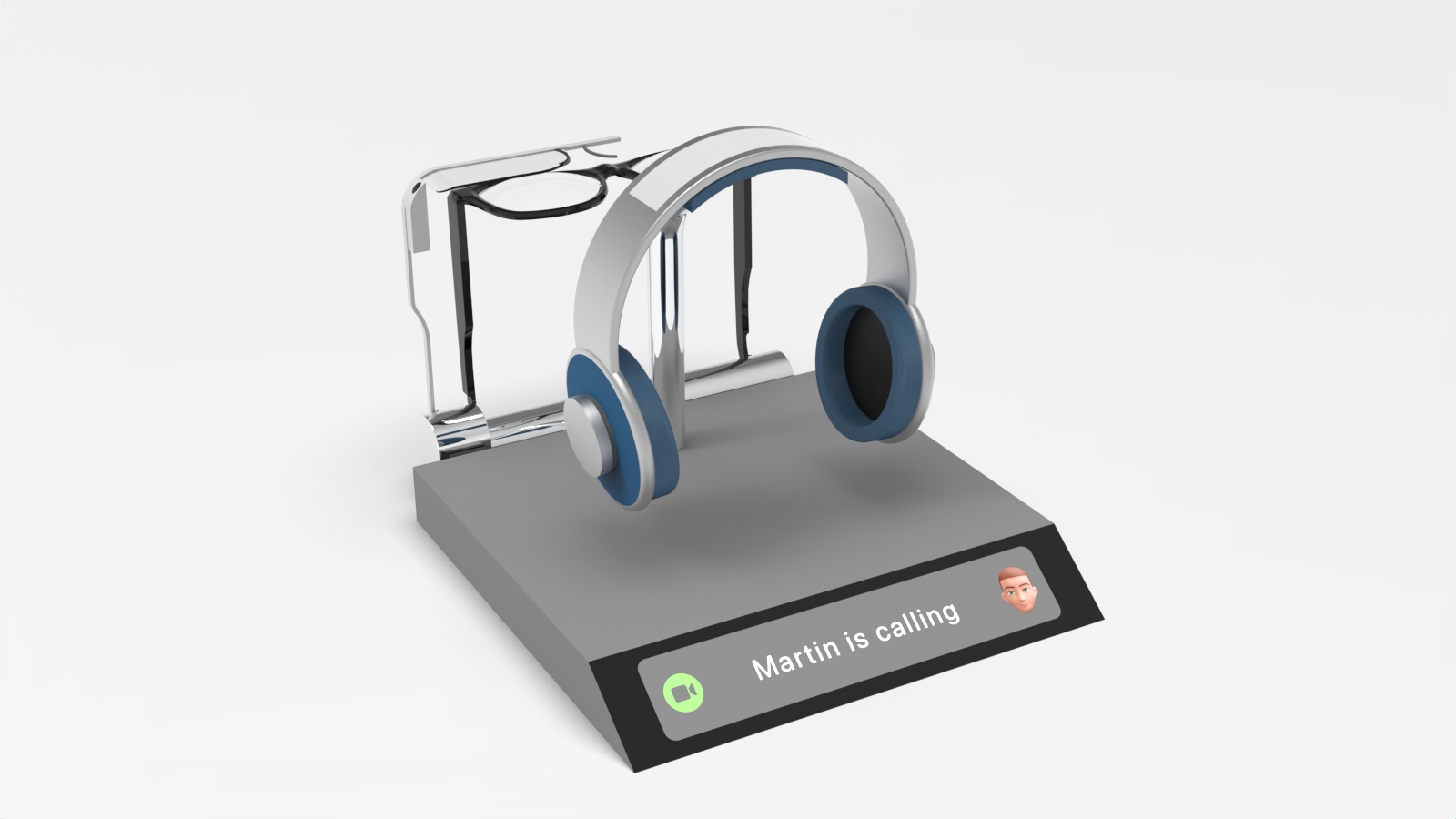
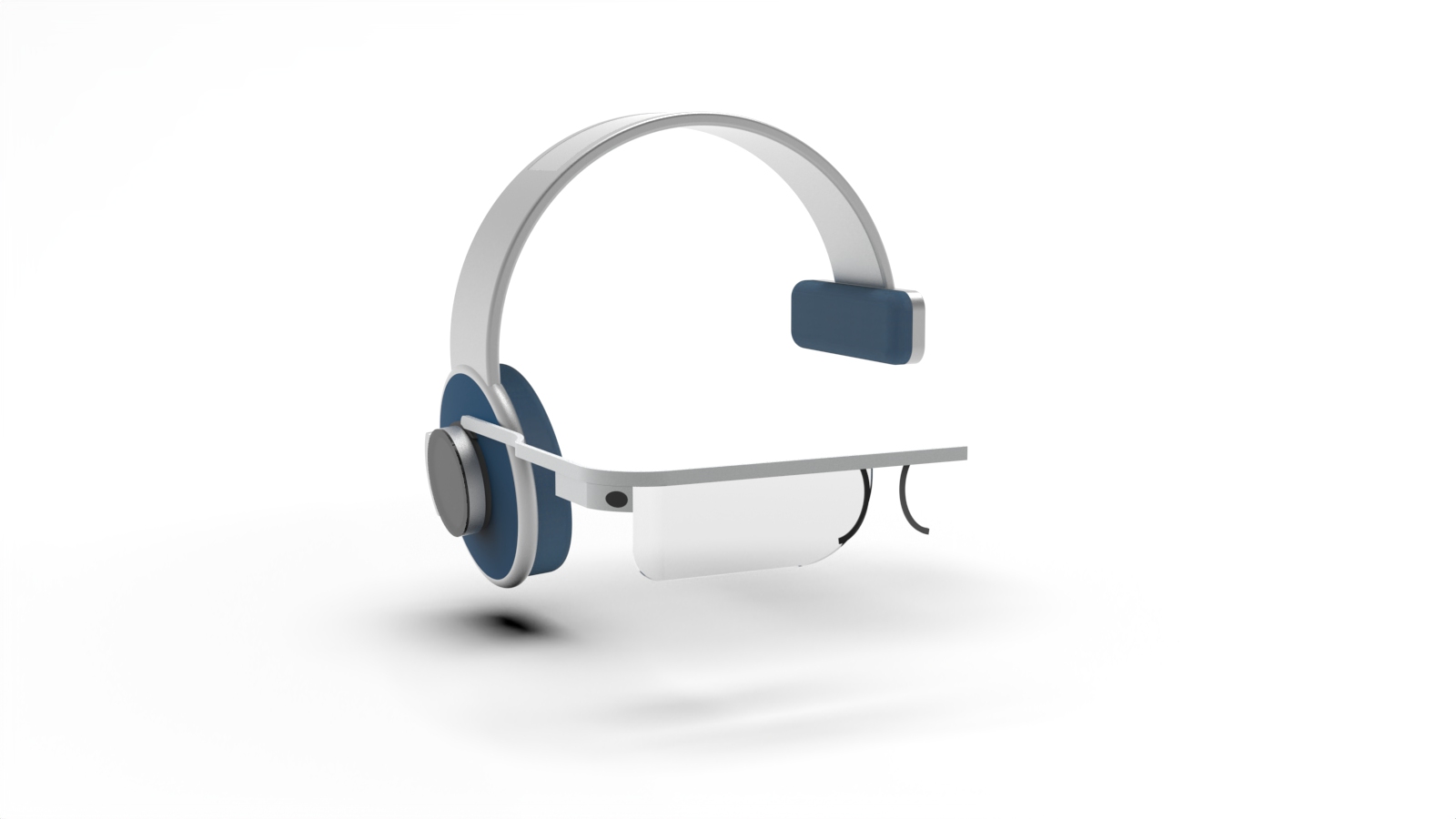
The headset helps you bring AR or VR interactions to your everyday workflow.
Just like regular headphones, put it on and then slide in the device you need: AR or VR.
macOS Dock in your hands (Keyshot)
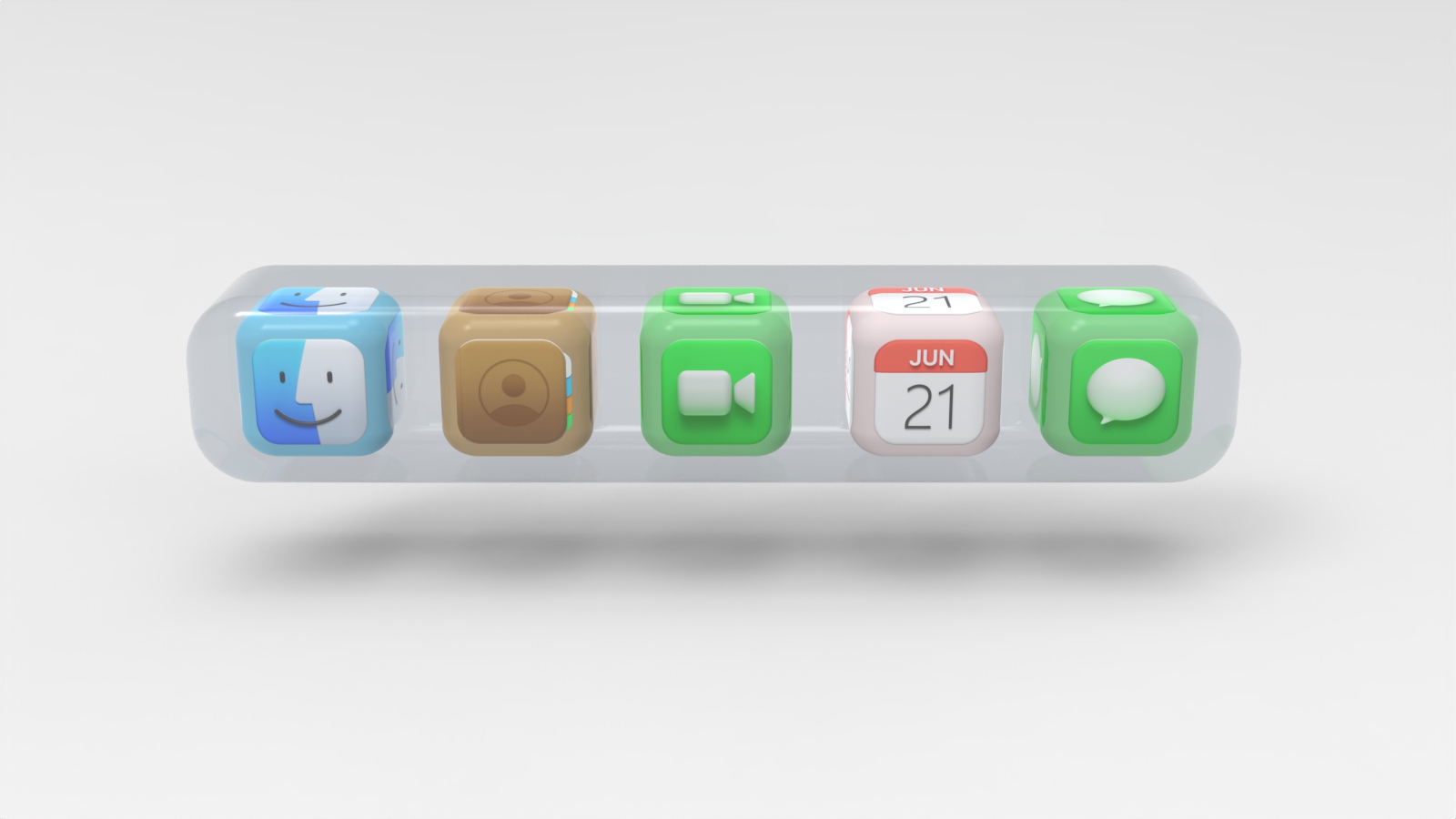
Working with multiple Apps requires a way to access those Apps.
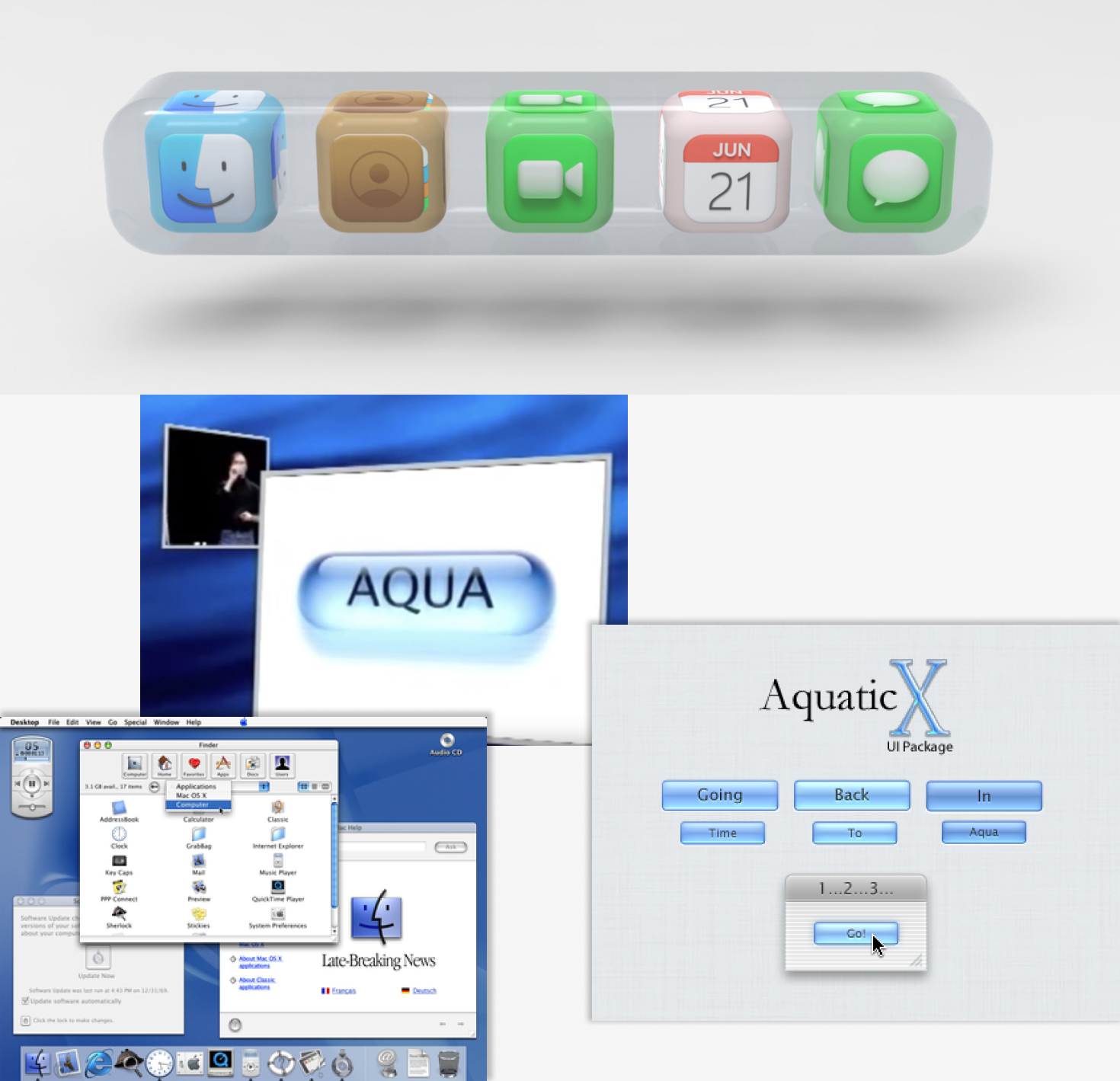
This is what the macOS dock could look like in VR.
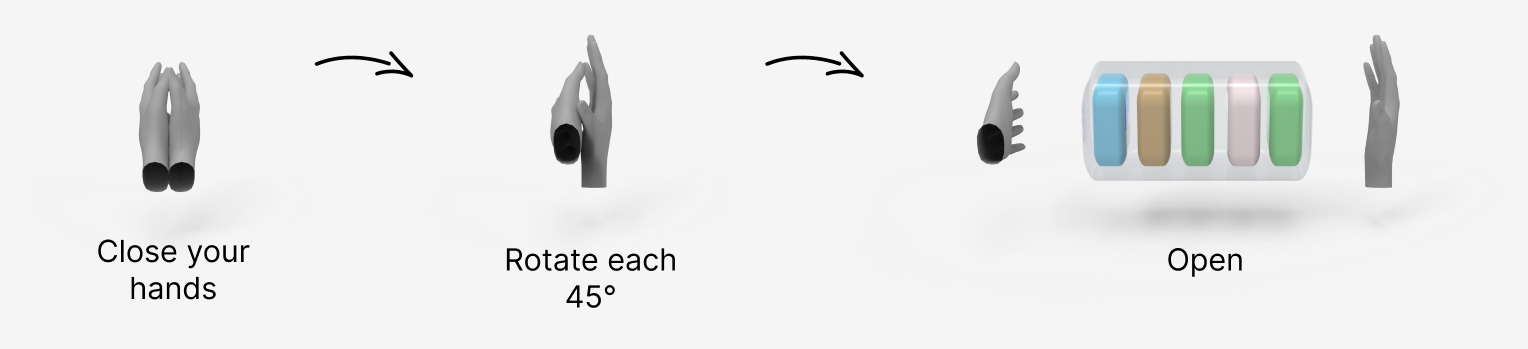
This is the interaction that triggers the animation. To make sure the interaction is not triggered unintentionally, I designed a set of gestures that rarely happen in real life. It's quite like the Siri keyword which is not a real name or even a word in the dictionary.

Here is the interaction decomposed step by step. First, you close your hands, then rotate and then open up. We can imagine the user wearing some kind of "smart bracelet" at each wrist that would record the hand orientation and thus helping the system to get a clear interpretation of the user's movements.
I always try the interactions by myself to see if they make sense in the real world. This is a video of what it would look like using After Effects.
I found inspiration in the Aqua Design Language from the beginning of Mac OS X. After all it lead the way for desktop UI and made a lasting impression on everyone.
Photoshop AR (Unity)
Collaborative work on the fly.
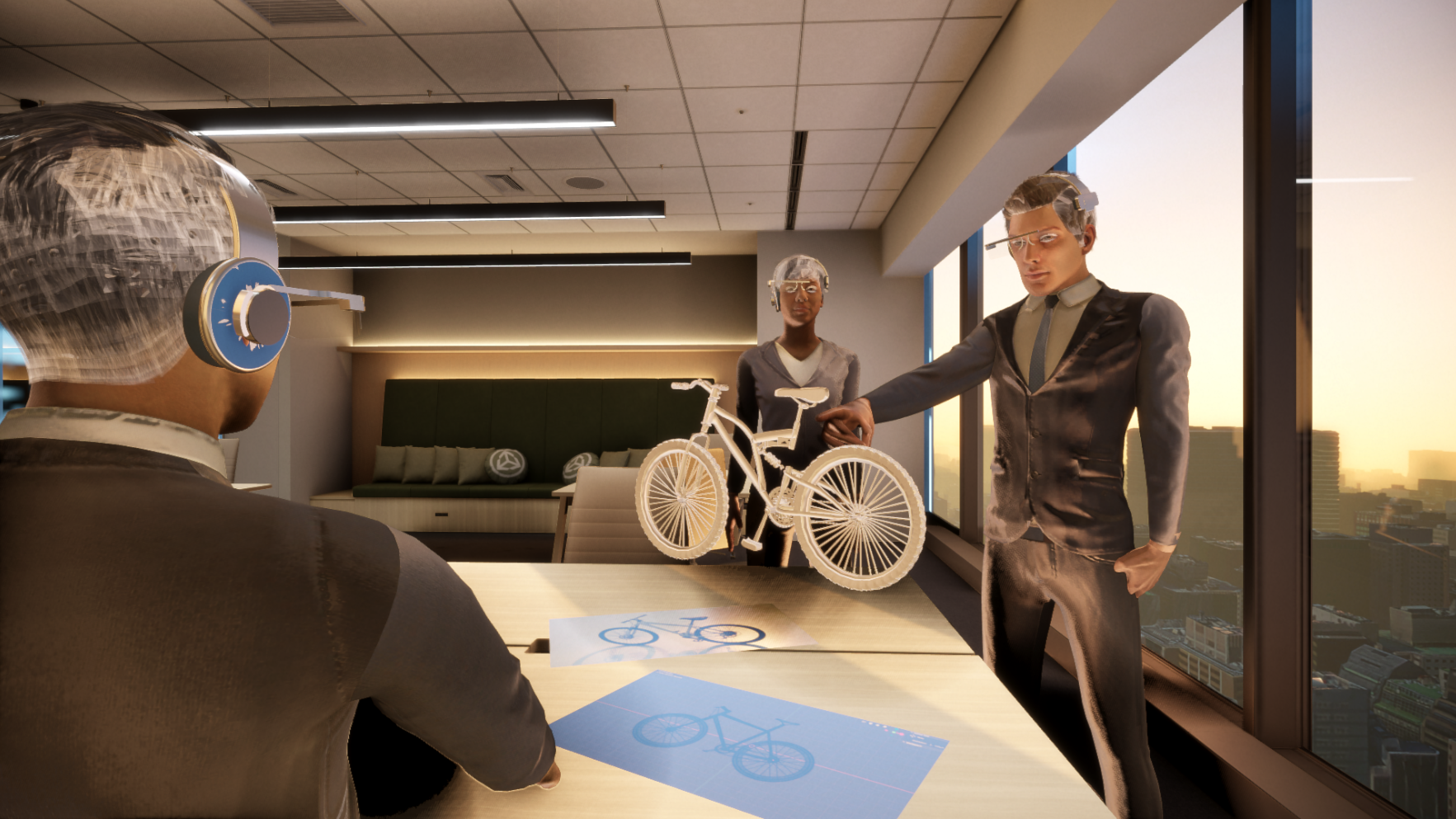
Set up an AR meeting easily, and share your design quickly with your team. Everyone can see what you mean. People around can interact with it and modify it directly to share their own ideas.
Create something in VR mode for full immersion, and switch to AR mode to show the result to your teammates.
Making collaboration even easier.
Compact Dock for AR (Keyshot)
AR version of the macOS Dock.
As in VR mode, you need to be able to launch apps. Here you can use a smaller version of the dock. You can pull it out of the table or desk by double-tapping it with your hand. This is like a double click on macOS to open a file or folder.
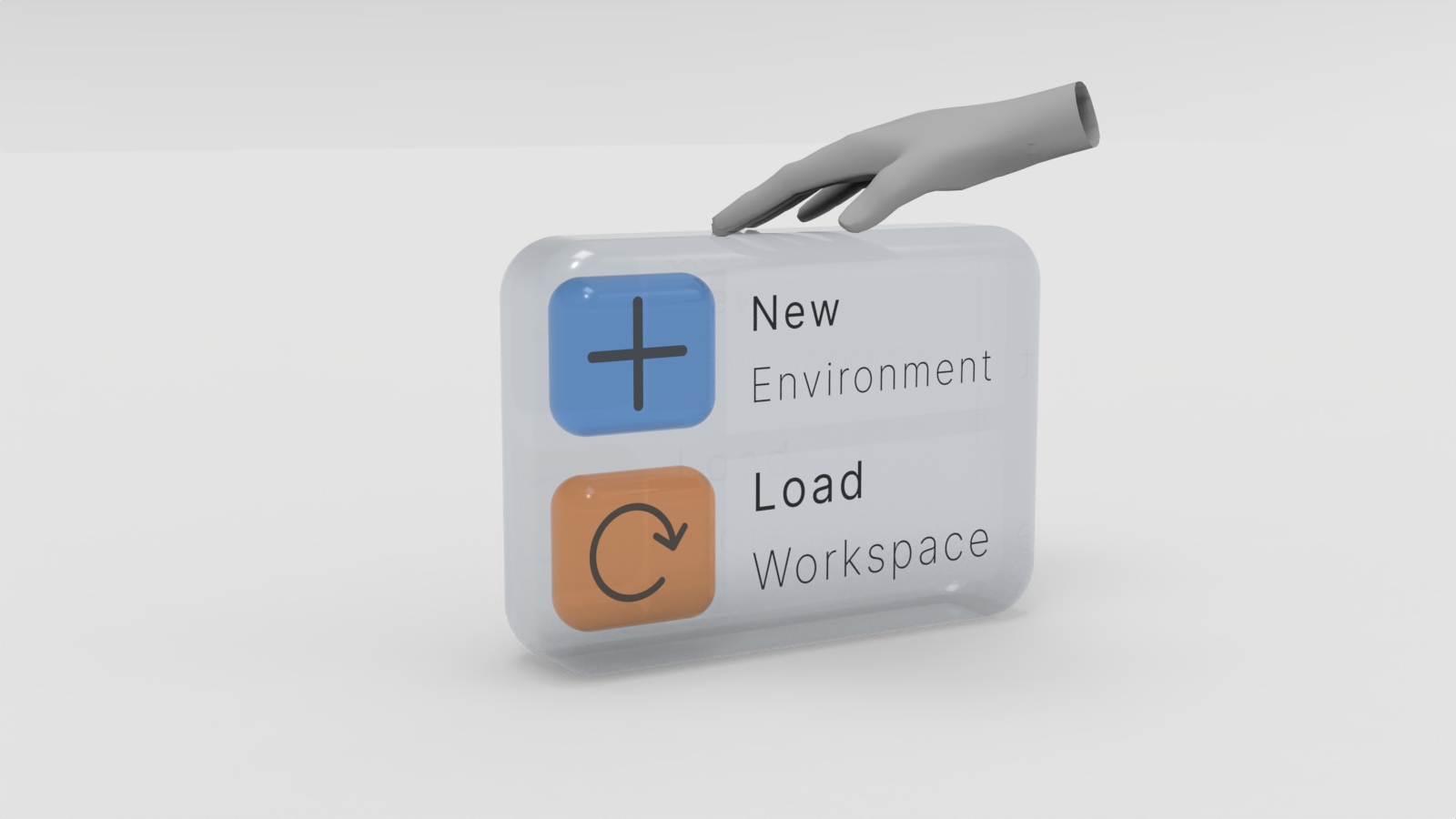
With this Dock you have two options: create a new environment or load an existing one. An AR environment is a workplace gathering all windows related to a task or subject.
Here for instance, there is the 3D model of a bike in the air. Projected on the table, there is the 3D modeling software with the bike blueprint and a reference picture of a bike on the side. This is like a typical design workshop, where multiple design supports would be shared on the table.
HomePod MR (Work In Progress)
A HomePod for work: the DeskPod.
Holographic screen on top, pico projector to display content, TrueDepth sensor for hand detection (like a touch screen), works on battery, Siri improved for work assistant, designed to be used with the AR Headset for more interactions possibility. This is a complete work assistant.
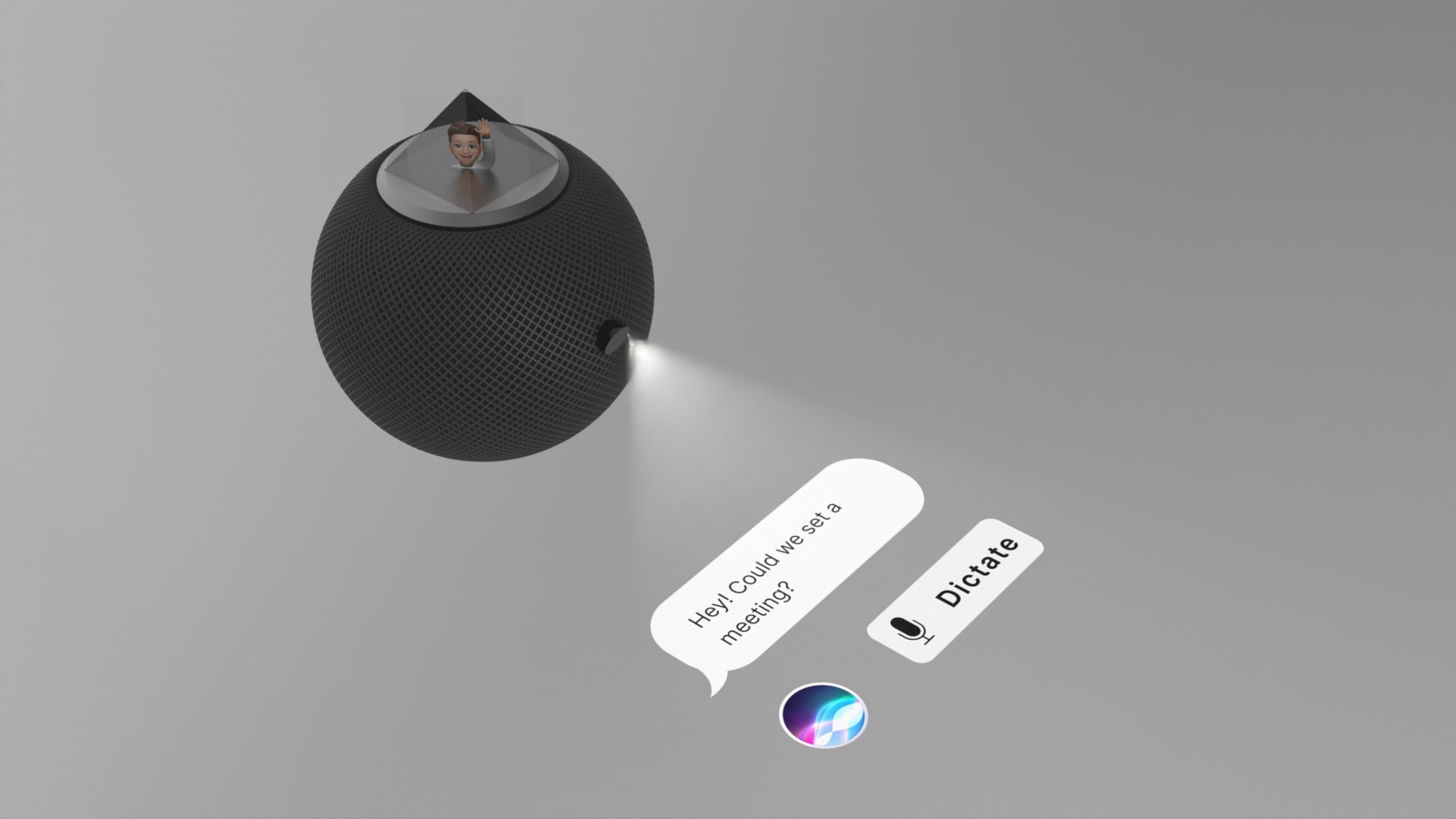
Holographic Screen with Siri and Animoji
View angle from everywhere.
Because it's on your desk, adding a way to see Siri can help the user interact with it. It also means that Siri can now catch my attention while I'm working. This recreates something like a physical interaction. Just a wave of the hand and I know Siri wants to catch my attention like a coworker would do in the open space. No need to send a message or to physically go check on a workmate, I can talk to Siri as if it was his assistant. That way I can know what he is doing and if he is free for a chat. It's also great for remote work.